
How to troubleshoot common problems with a fully automatic coffee vending machine?
Leave a message

Hey there! As a supplier of fully automatic coffee vending machines, I've seen my fair share of issues pop up. In this blog, I'll walk you through how to troubleshoot some of the most common problems you might encounter with these machines.
1. Machine Won't Turn On
One of the first things you'll notice if something's wrong is that the machine won't turn on. This can be a real bummer, especially when you're counting on that fresh cup of joe.
Check the Power Source
First off, make sure the machine is plugged in properly. Sounds simple, right? But you'd be surprised how often this is the culprit. Sometimes, the plug can come loose, or there might be an issue with the outlet. Try plugging in another device to the same outlet to see if it works. If not, you might have a problem with the electrical supply in that area.
Inspect the Power Cord
Take a look at the power cord for any signs of damage. If you see frayed wires or cuts, it's time to replace the cord. A damaged power cord can not only prevent the machine from turning on but also pose a safety hazard.
2. No Coffee Dispensing
So, the machine is on, but no coffee is coming out. This can be frustrating, especially if you're in a rush.
Check the Coffee Beans or Powder
If your machine uses coffee beans, make sure the hopper is filled. Sometimes, the beans can get stuck in the hopper, preventing them from reaching the grinder. Gently shake the hopper to see if that loosens things up. If your machine uses coffee powder, check the powder container. It might be empty or clogged.
Inspect the Water Supply
Coffee needs water, right? Check the water reservoir to make sure it's filled. Also, look for any blockages in the water lines. Sometimes, limescale can build up and block the flow of water. You can use a descaling solution to clean the water lines.
Verify the Dispensing Mechanism
There could be an issue with the dispensing mechanism itself. Check to see if there are any jams or blockages in the area where the coffee is supposed to come out. You might need to open up the machine (make sure it's unplugged first!) and carefully remove any debris.
3. Coffee Tastes Bad
You finally get your coffee, but it tastes terrible. What gives?
Check the Quality of the Coffee
The quality of the coffee you're using can have a big impact on the taste. Make sure you're using fresh, high-quality coffee beans or powder. Old or stale coffee can taste bitter or flat.
Clean the Machine Regularly
Over time, coffee residue can build up in the machine, affecting the taste of the coffee. Clean the brewing chamber, the grinder (if applicable), and the drip tray regularly. You can use a mild detergent and warm water to clean these parts.
Adjust the Brewing Settings
Your machine might have settings for the strength and amount of coffee. Try adjusting these settings to see if you can improve the taste. Sometimes, a stronger brew can make the coffee taste better.
4. Machine Makes Strange Noises
If your coffee vending machine is making strange noises, it's a sign that something might be wrong.
Check for Loose Parts
Open up the machine (again, make sure it's unplugged!) and check for any loose parts. Sometimes, a screw or a bolt can come loose, causing the machine to make noise. Tighten any loose parts you find.
Inspect the Motor
The motor is one of the most important parts of the machine. If it's making a lot of noise, it could be a sign of a problem. Listen carefully to the noise to see if it's coming from the motor. If you suspect an issue with the motor, it's best to call a professional for repairs.
5. Error Messages on the Screen
Many modern coffee vending machines have a screen that displays error messages. These messages can give you a clue as to what's wrong with the machine.
Read the Error Message Carefully
The error message will usually tell you what the problem is. Look for keywords like "blockage," "low water," or "malfunction." Once you know what the problem is, you can take the appropriate steps to fix it.
Refer to the User Manual
The user manual that came with your machine will have a section on error messages. Look up the error message you're seeing in the manual to see what the recommended solution is.
Related Products
If you're in the market for a new coffee vending machine, we've got some great options for you. Check out our JL500I ice coffee vending machine. It's a high-quality machine that's perfect for any location.
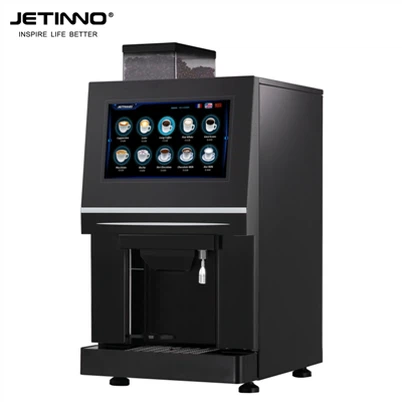
We also have the Free Standing Coffee Vending Machine touch vending machine 27inch. This machine has a large touch screen and is very easy to use.
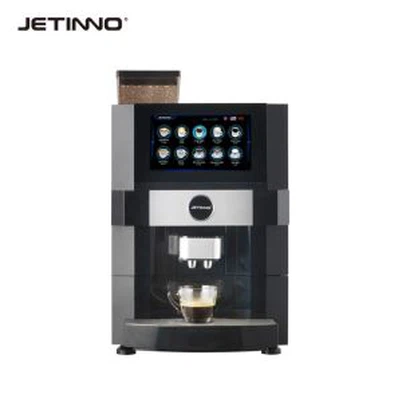
And for those looking for a commercial-grade coffee vending machine, take a look at our Smart Fully Automatic Coffee Vending Machine -- JL500-ESFB7C-PI It's built to last and can handle high-volume usage.
Contact Us for Purchase and Negotiation
If you're interested in purchasing a coffee vending machine or have any questions about troubleshooting, feel free to reach out. We're here to help you get the most out of your coffee vending experience.
References
- "Coffee Vending Machine Maintenance Guide" - Industry Publication
- Manufacturer's User Manuals for Coffee Vending Machines